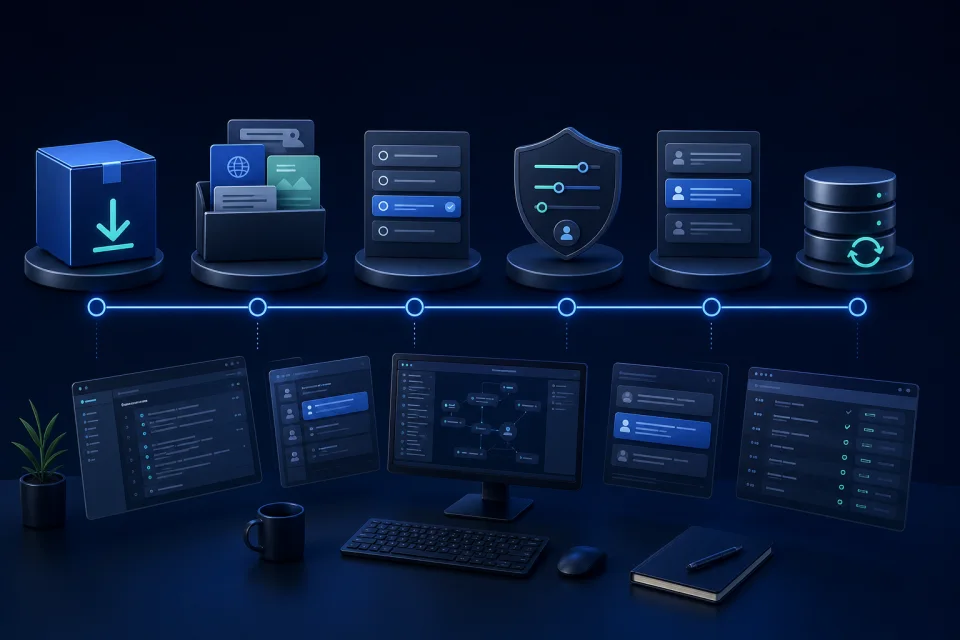
1. Choose the website or online store context
Every installation has its own knowledge, assistant settings, visitor controls, and operator connection, so information from one business context does not automatically become part of another.
2. Connect the customer-facing knowledge
Choose the product information, website pages, delivery and return policies, FAQs, compatibility details, and navigation content that should help answer visitor questions. Keep those sources current when the underlying information changes.
3. Test representative visitor questions
Ask the product, delivery, return, policy, compatibility, and navigation questions visitors actually use. Compare each answer with the configured source and improve missing or unclear information before launch.
4. Choose the visitor controls
Text chat is the core interaction. Voice questions are available only when the merchant enables voice mode for that installation. Customer preference memory is also configurable and should follow the merchant's consent approach.
5. Define the operator route for exceptions
When Telegram operator notifications are enabled, an operator receives conversation context and decides manually whether and how to respond. This is an operator visibility path, not an automatic takeover.
6. Keep the setup aligned with the business
Review the knowledge whenever products, policies, delivery rules, or visitor flows change. A current source and a tested exception path are more useful than a generic promise about every question or outcome.